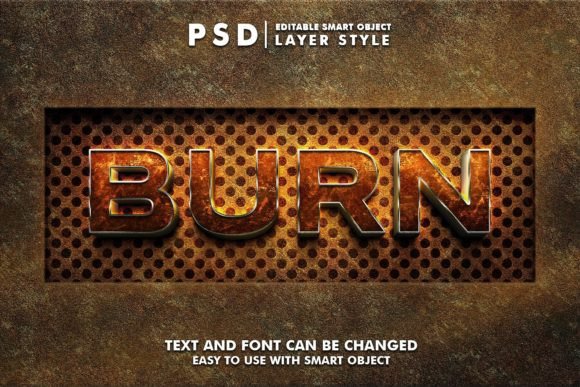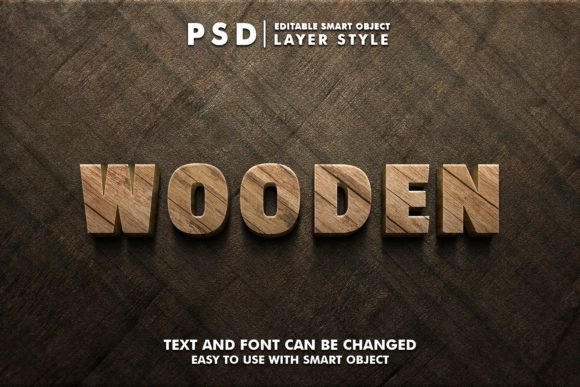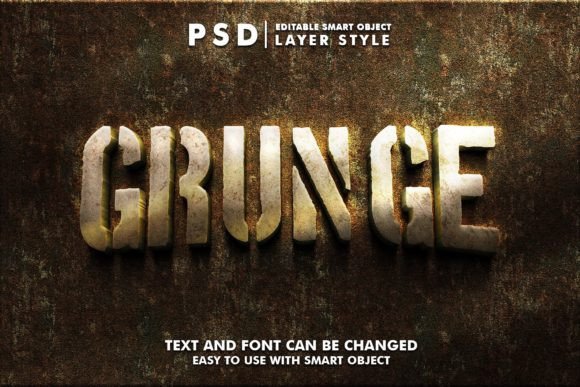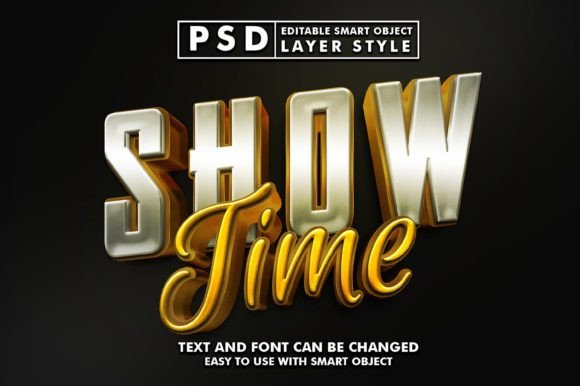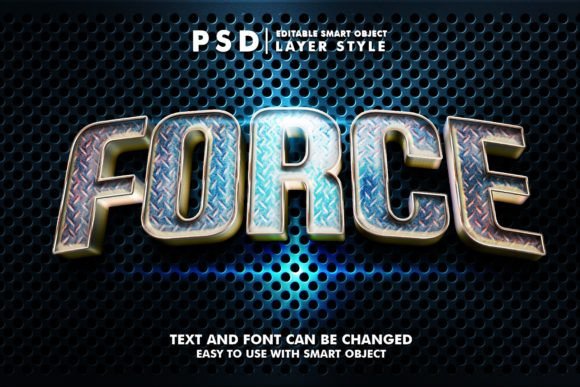
Metalic Force 3D Realistic Text Effect
The Metalic Force 3D Realistic Text Effect is a powerful graphic resource that allows you to add a high-quality, metallic 3D effect to your text with ease. Whether you're a beginner or an experienced designer, this tool offers a straightforward way to enhance your creative projects with stunning visual appeal.
One of the standout features of this effect is its use of smart objects. This means you can quickly edit the text by double-clicking on the smart object labeled "Your Text." Simply replace the text with your own and save the file—changes will automatically update in the main document. This makes it incredibly user-friendly, even for those who are new to design software like Adobe Photoshop.
What Makes It Valuable?
The Metalic Force 3D Realistic Text Effect is designed to deliver professional-grade results without requiring advanced technical skills. Its key characteristics include a high-resolution canvas of 2000x1333 pixels at 300 dpi, ensuring clarity and detail in any application. The well-organized layers make it easy to customize and adjust elements as needed, while the 100% editable nature gives you full control over the final output.
This resource is ideal for anyone looking to add a dynamic, eye-catching element to their work. From digital marketing materials to print designs, the versatility of this effect makes it a valuable addition to any designer's toolkit.
Where Can You Use It?
The applications for the Metalic Force 3D Realistic Text Effect are vast and varied. Here are some common use cases:
- Website Elements: Add a bold, metallic touch to headers, buttons, or banners to make your site stand out.
- Social Media Covers: Create striking Facebook, YouTube, or Twitter covers that grab attention and reflect your brand identity.
- Movie or Cartoon Titles: Enhance the visual appeal of titles for videos, animations, or presentations with a professional finish.
- Logos and Presentations: Use the effect to create compelling logos or slide decks that leave a lasting impression.
- Print Materials: Apply the effect to flyers, posters, t-shirts, or greeting cards for a polished, modern look.
Whether you're working on personal projects or commercial designs, this effect provides a quick and effective way to elevate your visuals.
Why Choose This Resource?
For creators and professionals, time and efficiency are essential. The Metalic Force 3D Realistic Text Effect streamlines the design process by offering a ready-to-use template that requires minimal effort to customize. This is especially beneficial for those with tight deadlines or limited design experience.
Additionally, the resource includes a single PSD file and an image file, making it easy to integrate into different workflows. The clean organization of layers ensures that you can easily adjust colors, shadows, or other elements without disrupting the overall design.
If you're looking to add a metallic, 3D feel to your text, this effect provides a simple yet impactful solution. It’s perfect for anyone who wants to create visually engaging content without spending hours on complex design tasks.
Things to Consider Before Using It
Before diving into the Metalic Force 3D Realistic Text Effect, there are a few important factors to keep in mind. First, ensure that you have access to a compatible design program, such as Adobe Photoshop. While the effect is easy to use, some familiarity with design tools will help you get the most out of it.
Also, consider the context in which you’ll use the effect. While it works well for many applications, it may not be suitable for every project. For example, if you’re aiming for a minimalist or retro style, a more subtle text effect might be a better fit.
Finally, always review the file structure and instructions provided with the resource. Understanding how the layers and smart objects work will allow you to make the most of the editing options available.
Getting Started With Metalic Force 3D Realistic Text Effect
If you're new to using smart objects and layered files, don’t worry—this resource is designed to be accessible. Start by opening the PSD file and locating the smart object labeled "Your Text." Double-click on it to open the layer, edit the text, and save the changes. The updated text will appear in the main document instantly.
As you become more comfortable with the tool, experiment with different fonts, colors, and effects to see what works best for your specific needs. The flexibility of the design allows you to tailor the look to match your vision, whether you're creating a logo, a social media cover, or a promotional banner.
With the right approach, the Metalic Force 3D Realistic Text Effect can become a go-to resource for adding a touch of sophistication and realism to your projects.